
Any smart designer that’s using Figma products is open to learning about tools and systems that make their workflow smoother and more straightforward — and that’s where the best Figma icon plugins come in handy.
Let’s face it: Few creative tools have changed the design space as much as Figma has. It’s become a staple in most creative teams and for millions of talented designers across all disciplines.
The most efficient designers know, however, that designing icons from scratch inside Figma is not always a good use of time.
Whether you’re prototyping a new app, creating a polished website interface, or building a brand system in Figma, icons help communicate your ideas with clarity and professional consistency, and free Figma icon plugins are the easiest way to access them.
This leads many talented creatives to ask questions like:
- Where can I get free icons for Figma?
- What website offers Figma icon packs with no attribution and easy to customize?
- What are the best Figma plugins for free icons?
- Where can I get free icons for Figma, or a Free Figma Icon Plugin?
- What’s the best Figma plugin for icons if I want fast access and a large library?
The good news?
You don’t have to rely on uploading icons manually or digging through endless different icon websites if you have a good icon plugin for Figma.
The Figma plugin ecosystem has evolved to include several excellent tools that let you browse, search, and insert icons directly into your designs.
These free icon plugins help streamline your workflow and give you access to thousands of vector icons—many of them completely free to use.
In this post, we will guide you through the 6 best icon plugins for Figma, focusing specifically on free tools that deliver quality and variety. We’ll tell you how to get free icons for Figma, pulling in observations, original research, and additional feedback collected from impartial sources.
To make this a decent and focused comparison, only free icon plugins for Figma are included.
Table of Contents
Criteria for Choosing the Best Plugin for Free Icons in Figma
Here’s what we consider most important when selecting the best free figma plugin for icons:
- Quality of icons – Are the icons well‑designed and consistent?
- Variety and diversity – Is the icon library broad (many categories, styles) and updated?
- Ease of use in the plugin – How smooth is installation, search, filter, and insertion inside Figma?
- Licensing and clarity of usage – Free for personal/commercial use? Attribution required? Clear terms?
Simple enough, right?
We believe it’s all about the right balance of selection, quality, ease of use, and user-friendly licensing. With that being said, here are the best plugins for free icons in Figma.
Top Free Icon Plugins for Figma
1. Noun Project’s Free Icons Plugin
Strengths:
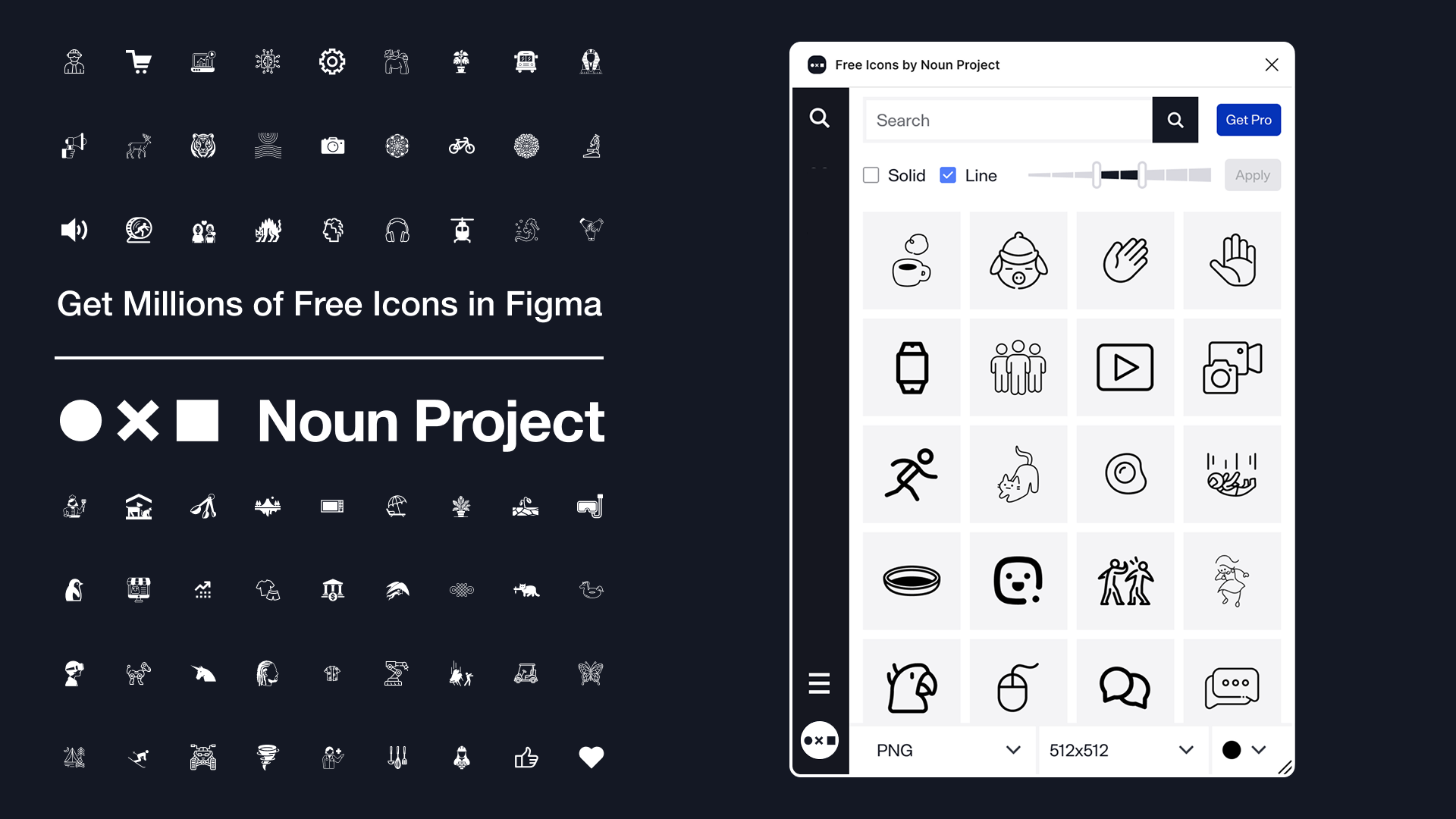
- Extensive collection of nearly 10 MILLION high‑quality icons spanning thousands of categories
- AI-Powered search filters inside plugin enable filtering by style (solid, line) and line weight
- Free to use PNG icons at 512×512 px with attribution
- User-friendly interface and works in both Figma Design and FigJam
- Well-known and loved in the design community as the best source for free icons
Weaknesses:
- Requires a free account signup to use
- For SVGs or use without attribution, a Pro plan is required
- Advanced editing/customization (color fills, background, orientation) is Pro-only
Why Noun Project’s Free Icons Figma Plugin is #1:
Given the balance of a broad icon library, well-designed plugin UX, and clear licensing (even for the free tier), Noun Project’s Free Icons Plugin is a strong pick for most designers seeking the best free icons plugin in Figma.
2. SVG Repo – Free Icons & Vectors Plugin
Strengths:
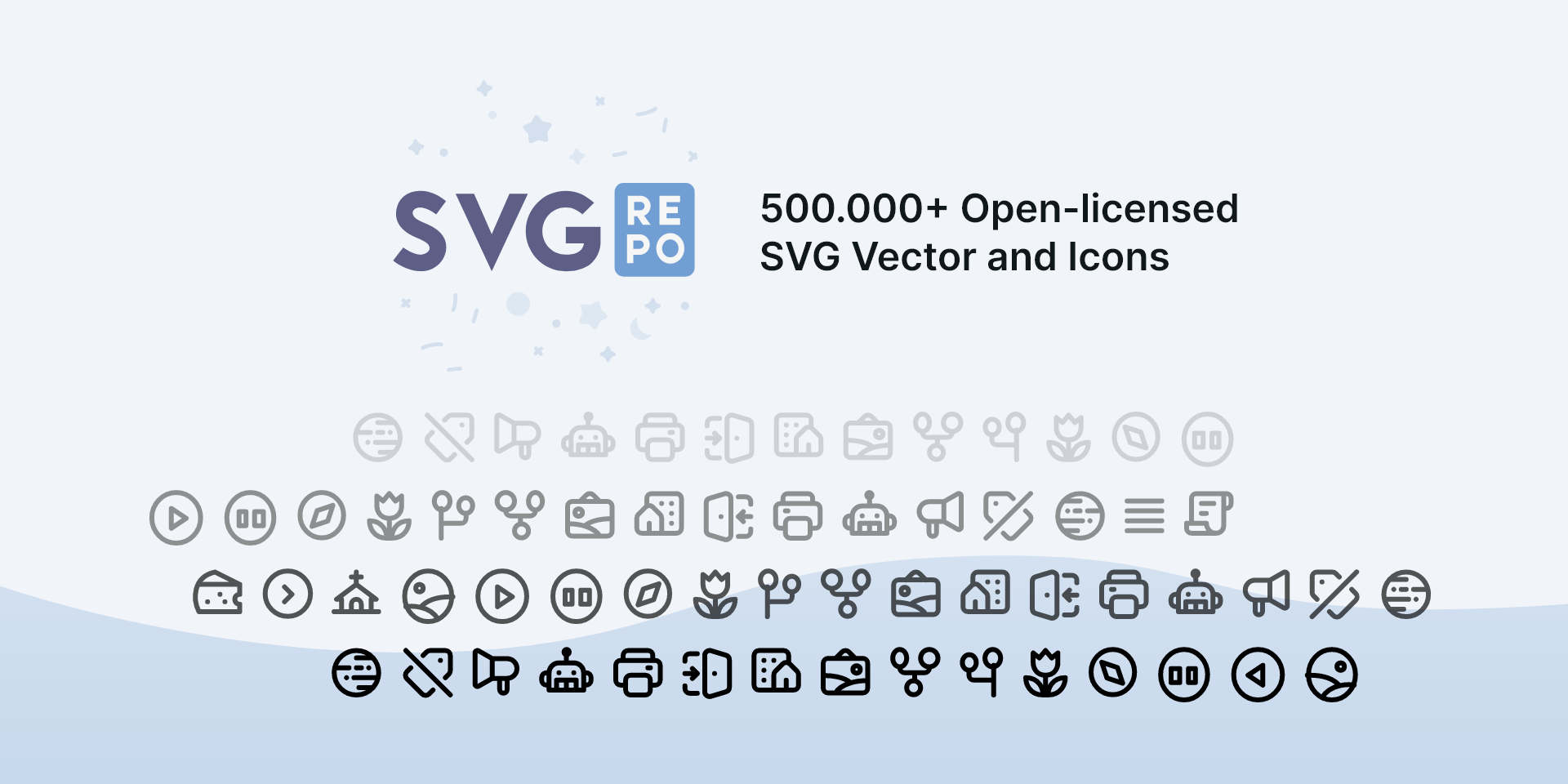
- Large open-licensed collection (500,000+ free SVGs and icons)
- SVG format is ideal for Figma (scalable, editable)
- Fully free to use with no paywall
Weaknesses:
- Smaller than top libraries; may lack niche categories
- Mixed visual styles; less curation
- Basic plugin interface; few search filters
3. Iconstack – 50,000+ Free SVG Icons
Strengths:
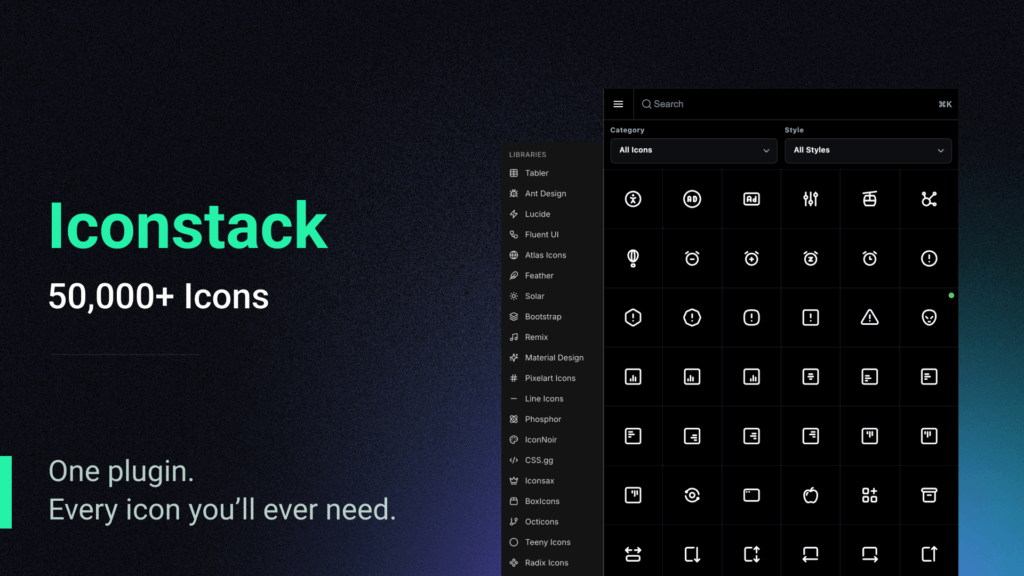
- Offers major open-source libraries (Material, Phosphor, Bootstrap, etc.)
- Consistent icon styling
- Fully open-source, free, and no account required
Weaknesses:
- Fewer icons than top-tier libraries
- Limited in-plugin search/filtering
- Plugin is functional, but on the basic side
4. Tabler Icons Plugin (via Iconduck)
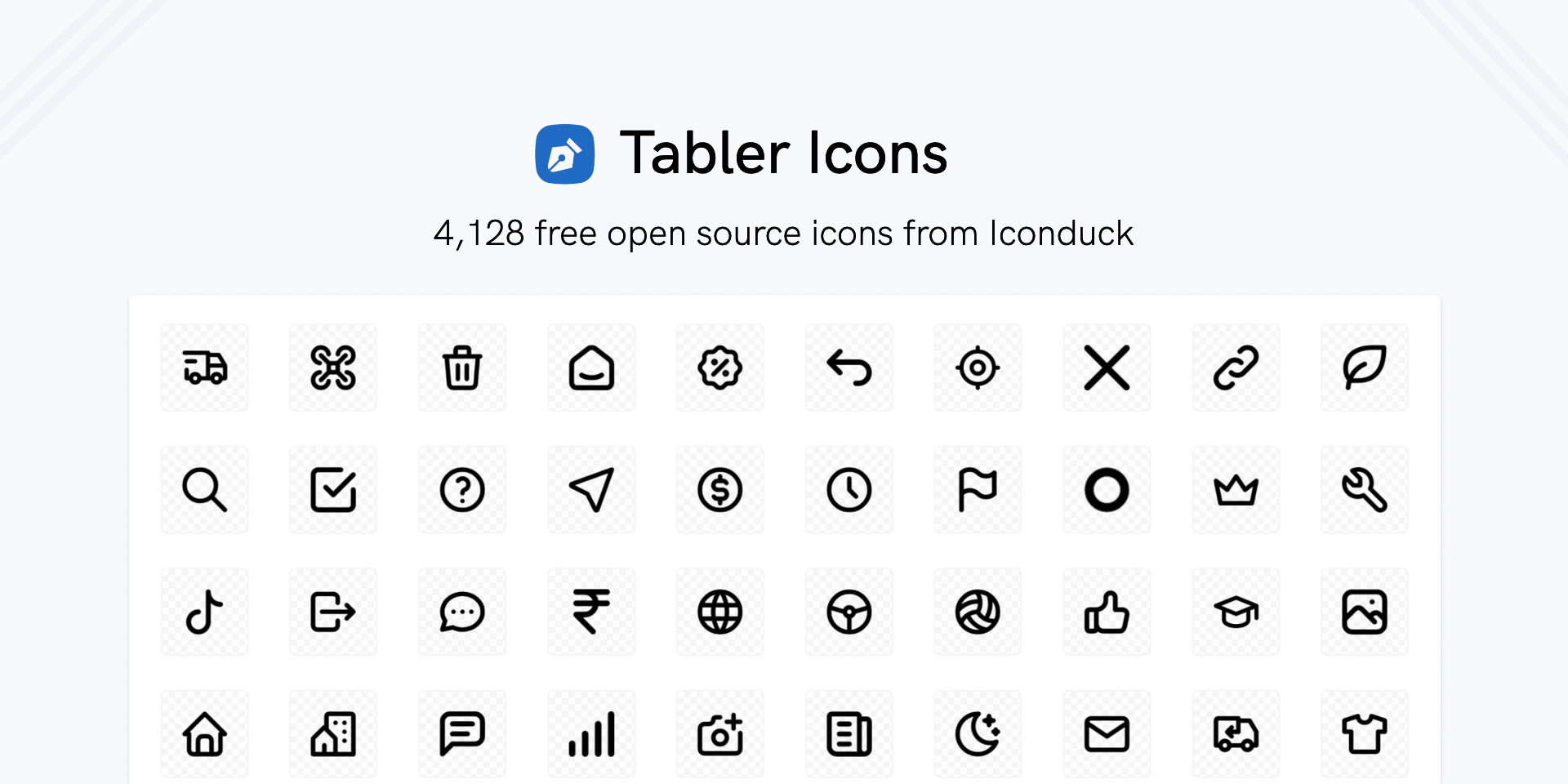
Strengths:
- Clean, modern icons ideal for dashboard/UI work
- Customizable (stroke width, size)
- Open source / MIT licensed
Weaknesses:
- Smaller library
- Very specific visual style
- Minimal plugin features
5. Unicons by IconScout
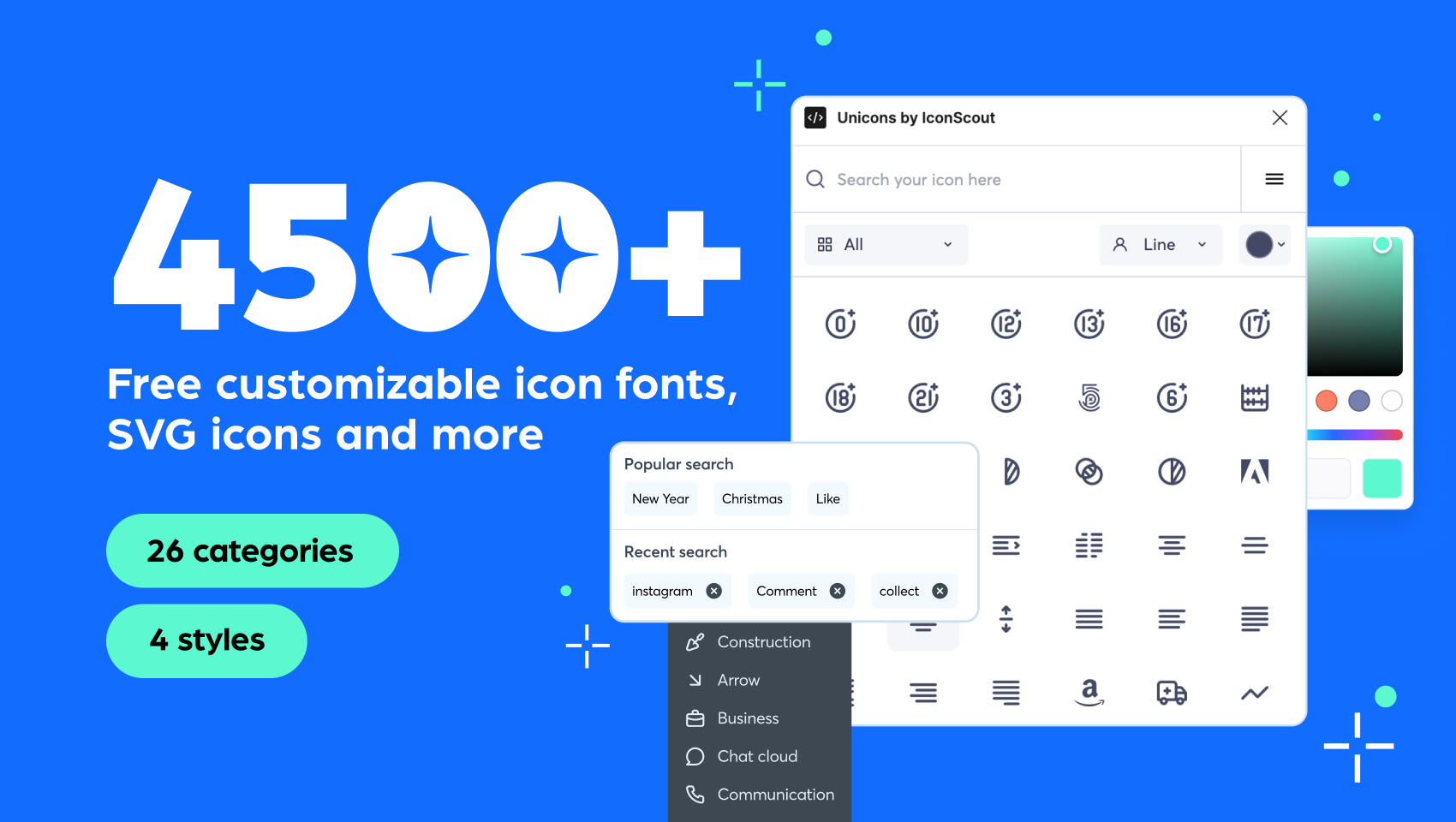
Strengths:
- Multiple styles (line, solid, thin, 3D)
- Integrates with IconScout ecosystem
- Good for motion/modern design systems
Weaknesses:
- Collection size is very small
- 3D/animated styles not always useful, can be inconsistent
- May require attribution/license checks
6. Font Awesome Icons
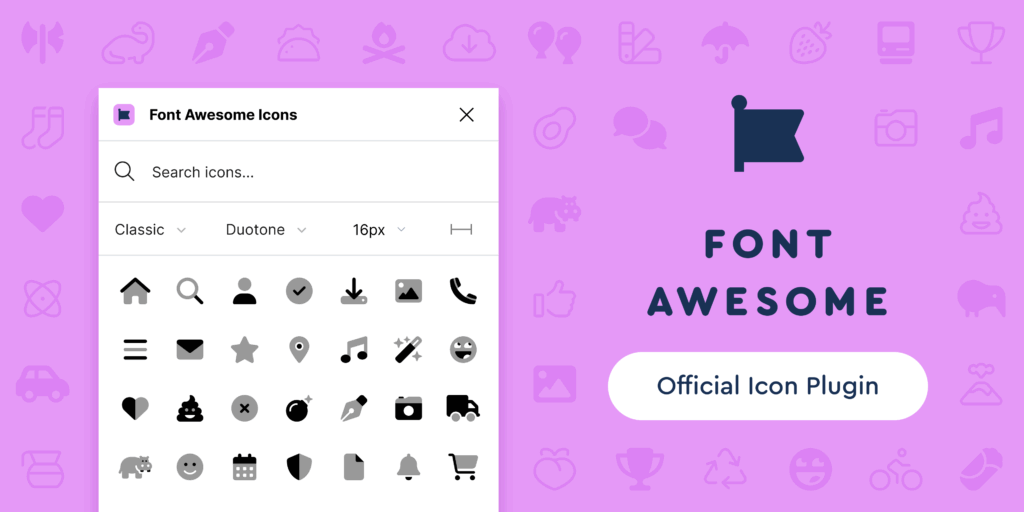
Strengths:
- Widely used and recognized icons
- Figma plugin allows insertions of vectors directly
- Free tier is strong
Weaknesses:
- Many styles locked to Pro plan
- Can feel generic and common – not much diversity
- Versioning has a history of creating problems for designers
Conclusion
If you’re designing with icons for Figma, having a fast and free icon plugin for Figma isn’t a luxury—it’s a necessity. Whether you’re wireframing a mobile app, designing a responsive website, or building a design system, the right icons can improve your work and save serious time.
The six plugins featured in this post offer some of the best free icon plugins for Figma available in 2026. Each brings something unique to the table—from massive libraries and style filters to open-source SVG collections and developer-friendly options.
That said, Noun Project’s Free Icons Plugin remains our top recommendation. With its extensive library, intuitive plugin interface, and clear licensing structure, it’s hands-down the best Figma plugin for icons—especially for those looking to integrate free icons into Figma quickly without sacrificing quality.
If you’re still wondering where to get the best free icon plugin for Figma, start with Noun Project. All the plugins listed in this piece are free to install, easy to use, and will instantly level-up your design workflow – Noun Project simply offers the largest selection of quality icons with the easiest platform to use.
No matter which one you choose, the best Figma plugins for free icons are just a few clicks away—and will save you hours of manual searching and importing.
Frequently Asked Questions (FAQ) About Free Icon Plugins for Figma
What is the best free icon plugin for Figma in 2026?
The best free icon plugin for Figma in 2026 is Noun Project’s Free Icons Plugin, thanks to its huge library, clean UI, and fast Figma browsing. While other plugins offer open-source icons, Noun Project stands out for overall quality, consistency, and ease of use. Plus, you can easily upgrade to Pro to customize colors and access full SVG files in the plugin.
Where can I get free icons for Figma without downloading them manually?
You can access free icons directly inside Figma using dedicated plugins such as Noun Project’s Free Icons Plugin, SVG Repo, or IconStack. Noun Project is the top popular choice because it allows you to search thousands of professionally designed icons using AI-powered search features and insert them instantly without leaving your Figma file.
Which Figma plugin has the largest free icon library?
Several plugins offer large icon libraries, but Noun Project’s Free Icon Plugin remains one of the biggest and most trusted sources for free icons in Figma. With millions of searchable icons across countless categories, the Noun Project plugin gives designers an unmatched breadth of options.
How do I add free icons directly into my Figma designs?
To add free icons directly in Figma, open the Plugins menu, search for a tool like Noun Project’s Free Icons Plugin, install it, and run it inside your file. From there, you can search for icons by keyword and insert them instantly as PNGs or upgrade to use SVGs.
What are the top Figma plugins for free icons and SVGs?
Some of the top plugins for free icons and SVGs include Noun Project, SVG Repo, IconStack, Tabler Icons, Unicons, and Font Awesome. Designers often prefer Noun Project’s Free Icon Plugin because its icon styles are consistent, well-crafted, and easy to browse right inside Figma.
Which Figma icon plugin is best for UI/UX designers who need matching, consistent icons?
For UI/UX designers who prioritize speed and consistency, Noun Project is typically the top recommendation. Good news: You can now access all of Noun Project’s icons using the Free Icons Plugin. Search and insert from millions of icons that are ideal for wireframes, prototypes, design systems, and production-ready interfaces.
Are there any Figma icon plugins that offer free commercial-use icons?
Yes — many Figma plugins provide commercial-use icons, including open-source options and popular tools like Noun Project Free Icons Plugin, which offers free PNG icons with attribution. For commercial work that requires SVGs or no attribution, designers often upgrade to Pro for more flexibility.
How do I choose the best icon plugin for Figma for my design workflow?
To choose the best icon plugin for Figma, consider library size, style consistency, licensing, speed, and search features. Noun Project is a top pick because it balances all of these factors while offering one of the most reliable and easy-to-use icon search experiences inside Figma.
Can I use free Figma icon plugins for professional projects or client work?
Yes, you can use free icon plugins for professional work as long as you follow each plugin’s licensing rules. Noun Project is popular for client projects because it clearly explains usage rights and offers a Pro plan (or select Public Domain icons) for designers who want to use icons attribution-free.
What is the easiest way to find high-quality, customizable icons inside Figma?
The easiest way to find high-quality icons in Figma is by installing a plugin with built-in search, like Noun Project’s Free Icons Plugin, which lets you browse, filter, and insert icons instantly. For even more customization, Noun Project Pro allows color editing, weight adjustments, and SVG imports.